




From small teams to enterprise organizations, Salesboom offers three powerful CRM editions designed to match your business size, complexity, and growth ambitions.
Powerful Editions
Starting Price/User
Businesses Served
Years of Innovation
Salesboom's on-demand CRM platform offers three distinct editions tailored to different business needs and organizational complexities. Each edition builds upon a proven foundation of customer relationship management tools, with increasing levels of functionality, customization, and integration capabilities.
Whether you're a startup team of six or an established enterprise with multiple divisions, there's a Salesboom edition designed specifically for your operational requirements. All editions share the same intuitive interface, cloud-based architecture, and commitment to customer success—the difference lies in the depth of features and scalability options.
The right edition depends on factors like team size, departmental structure, integration needs, and growth trajectory. This guide helps you understand which edition aligns with your current needs while providing room to scale as your business expands.
Choose the edition that matches your business size and operational complexity. Seamlessly upgrade as your needs grow.
Perfect for small teams of 6-10 users
Full-featured CRM for growing businesses
Comprehensive solution for large organizations
The Enterprise Edition represents the most comprehensive Salesboom CRM solution, purpose-built for larger small businesses and mid-market companies operating in networked environments with multiple divisions, teams, and complex workflows.
Enterprise Edition is the optimal choice for businesses that:
Complete pipeline management, opportunity tracking, quote generation, forecasting, and territory management across multiple sales teams and regions.
Case management with escalation procedures, knowledge base, SLAs, customer portal for self-service, and comprehensive ticket tracking.
Campaign management tools for planning, executing, and measuring multi-channel marketing initiatives including email campaigns and lead nurturing.
Branded customer portal allowing clients to submit tickets, track case status, access knowledge base, and manage their account independently.
Open architecture enabling seamless connectivity with ERP systems, accounting software, marketing platforms, and custom applications.
Up to 250 customizable tabs, fields, and layouts allowing businesses to tailor the CRM to match exact processes without custom development.
The Professional Edition delivers enterprise-class CRM functionality tailored for non-departmental small businesses that need sophisticated tools without the overhead of features designed for large, complex organizations.
Professional Edition is ideal for businesses that:
Complete Sales Management: Lead tracking, opportunity management, pipeline visualization, quote creation, contact management, and sales forecasting tools.
Customer Service Tools: Case management, ticket tracking, customer communication history, service level monitoring, and internal collaboration features.
Contact & Account Management: 360-degree customer view, interaction history, document management, relationship tracking, and detailed customer profiles.
Reporting & Analytics: Customizable reports, dashboards, data export capabilities, and performance tracking across all CRM activities.
The Team Edition provides focused CRM functionality specifically designed for small teams of 6-10 users who need core customer relationship management capabilities without the complexity of enterprise features.
Team Edition is designed for:
Despite its streamlined focus, Team Edition delivers essential CRM functionality including contact management, account tracking, sales pipeline management, activity logging, basic reporting, email integration, and mobile access—everything small teams need to organize customer relationships effectively.
Detailed comparison of capabilities available in each Salesboom CRM edition
| Feature | Team | Professional | Enterprise |
|---|---|---|---|
| Contact & Account Management | |||
| Sales Pipeline Tracking | |||
| Basic Reporting | |||
| Email Integration | |||
| Mobile Access | |||
| Customizable Tabs | Up to 20 | Up to 100 | Up to 250 |
| Sales Force Automation | |||
| Customer Service Tools | |||
| Advanced Reporting | |||
| Workflow Automation | |||
| Marketing Automation | |||
| Customer Self-Service Portal | |||
| XML Integration Framework | |||
| Multi-Department Support | |||
| Dedicated Account Management |
Selecting and implementing the right CRM edition is a strategic decision that impacts sales effectiveness, customer satisfaction, and operational efficiency. Salesboom's flexible edition structure ensures you can start where it makes sense and grow as your business expands.
Evaluate your current team size, organizational structure, customer interaction patterns, integration needs, and budget parameters. Consider both immediate needs and 12-24 month growth projections.
Schedule a consultation with Salesboom's CRM specialists who can provide personalized edition recommendations based on your specific business profile, industry, and objectives.
Request a demo or trial access to experience your recommended edition firsthand. Evaluate the interface, test key workflows, and verify capabilities align with requirements.
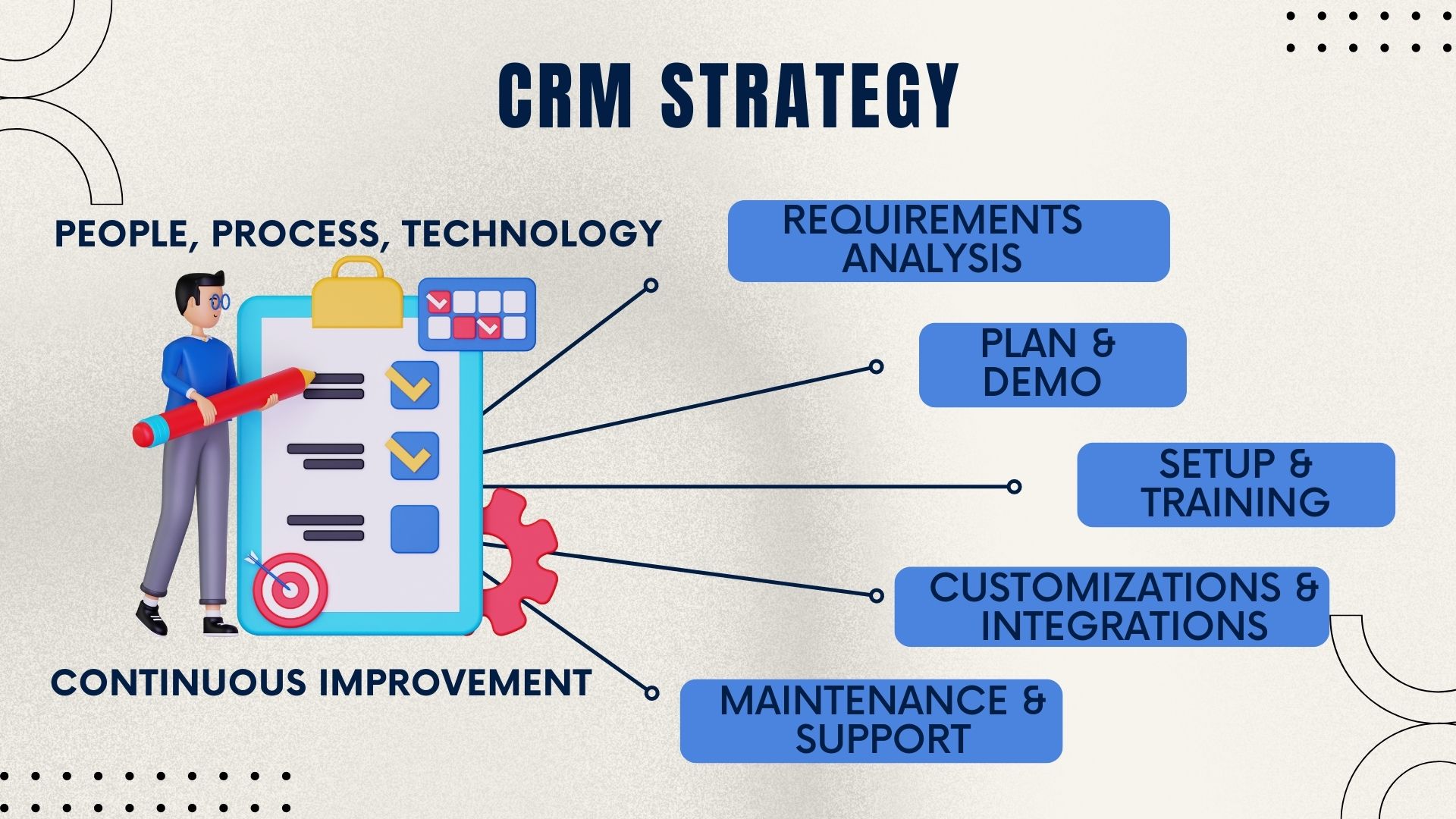
Work with Salesboom's implementation team to develop a deployment roadmap including data migration, configuration, customization, user training, and rollout timeline.
Deploy your chosen edition, train users, and begin leveraging CRM capabilities. Monitor usage patterns, gather feedback, and optimize configurations to maximize ROI.
Seamlessly upgrade to higher editions as your business grows. Salesboom's flexible architecture ensures smooth transitions without disrupting operations.
Schedule a personalized consultation with our CRM specialists to determine which Salesboom edition aligns with your business needs, budget, and growth objectives. Get expert guidance and start your free trial today.
Discover powerful CRM editions to scale your business efficiently.
A complete CRM suite with Marketing Automation, ERP integration, and Support tools — built for performance and value.
Explore ProfessionalFor large enterprises — automate workflows, unify data, and leverage analytics to drive strategic growth.
View EnterprisePerfect for small teams starting with CRM — manage leads, track sales, and boost productivity with simplicity.
Discover TeamDiscover what makes SalesBoom a standout CRM solution — features, benefits and competitive advantages in the Why SalesBoom guide.
Learn how to evaluate CRM options and choose the right one with the CRM Buying Guide.
Compare building your own CRM versus purchasing a ready-made solution in the Build vs Buy Guide.
Tailor CRM fields, modules and workflows to your business needs with the CRM Customization Tools.
Connect and migrate existing business data smoothly using CRM Integrations & Migration Tools.
Automate workflows, lead routing and follow-ups using the built-in Sales Automation Tools.
Accelerate your CRM rollout with the FastTrack Implementation Service.
Ensure your team is effective and confident with CRM via the Training Services.
Get strategic CRM advice, planning and support through CRM Consulting Services.