




Give every user exactly the access they need—nothing more, nothing less. Profile-based security that protects data, ensures compliance, and scales with your business.
Years of Security Innovation
Secure Deployments
Countries Protected
Security Support
As businesses grow, managing user access becomes increasingly complex and risky. Traditional approaches to CRM security create vulnerabilities that threaten data integrity, compliance, and operational efficiency.
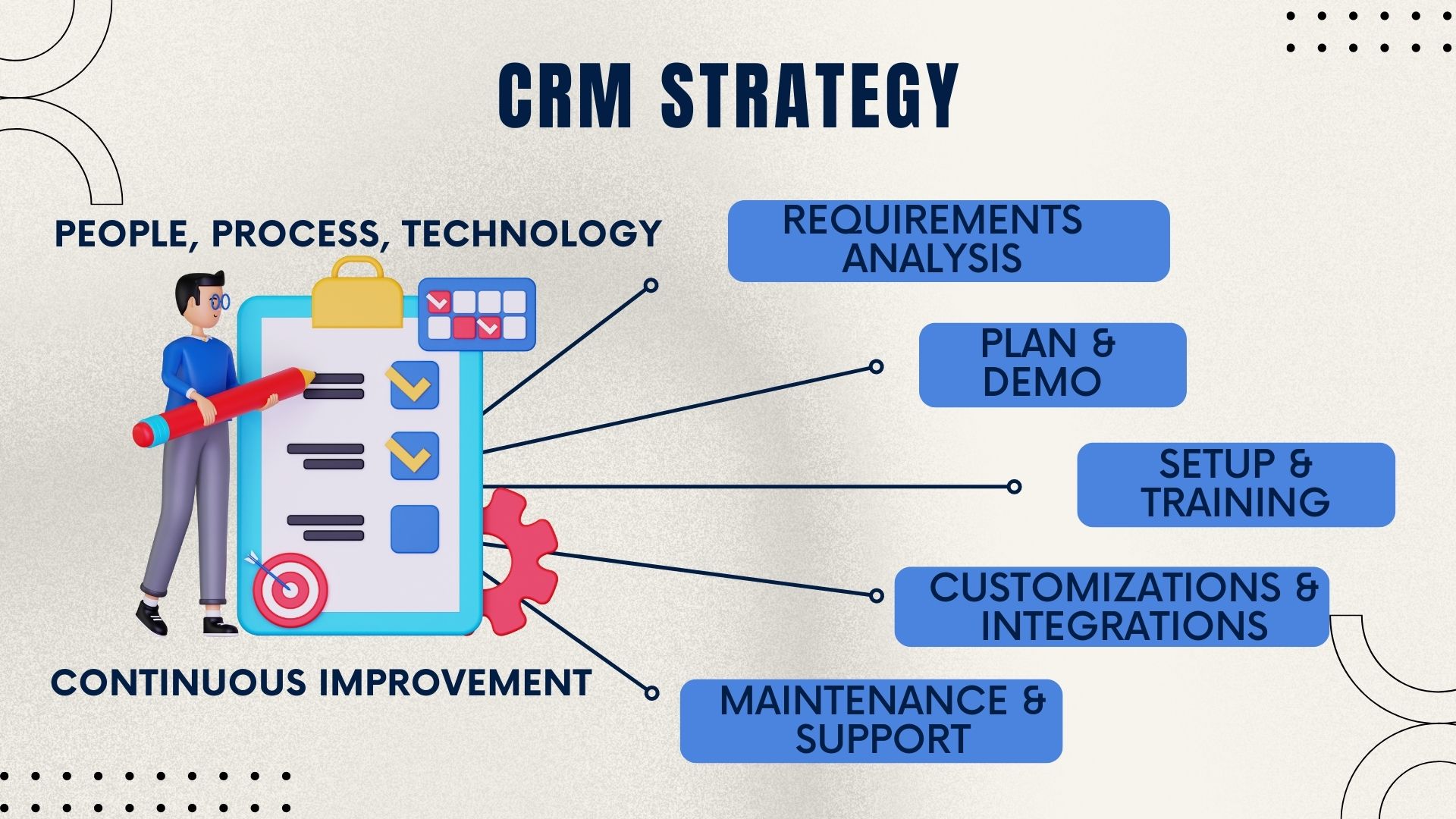
Without role-based access control, businesses face security risks, compliance failures, and operational inefficiencies that grow worse as teams expand. Every new hire becomes a security decision. Every promotion requires manual permission changes. Every audit reveals access control gaps. Salesboom's profile-based security eliminates these risks through intelligent, role-based access control that protects your data while enabling your teams to work efficiently.
Profile-based security is Salesboom's implementation of role-based access control (RBAC) built directly into the CRM platform. Instead of managing permissions individually for each user, administrators create profiles that define consistent access rules for entire roles.
Define which CRM objects (Accounts, Contacts, Opportunities, Cases, etc.) are visible to users assigned to this profile. Control visibility at the object level to ensure users only see data relevant to their role.
Determine whether users can create new records, edit existing data, delete information, or only view records. Granular control over every action ensures appropriate authority levels.
Granular control over every data type in the system from leads and opportunities to invoices and contracts. Fine-tune permissions for each business object independently.
Access to leads, opportunities, and quotes but view-only on invoices
Full control over accounts, contacts, and customer communications
Complete access to accounts, contracts, sales orders, and service agreements
Full access to cases and tickets with view-only access to customer records
Control over invoices, payments, and financial reports with limited sales access
View-only access across most objects with full dashboard and reporting capabilities
Instead of 50 individual permission configurations, you maintain 5-10 strategic profiles that can be applied instantly to any user based on their role. This architectural approach ensures consistent, scalable security that grows with your organization without creating administrative bottlenecks or security gaps.
The Manage Profiles tab serves as the centralized control center for all CRM security configurations. Administrators use this interface to create, modify, and apply profiles that govern data access across the entire organization.
Each profile configuration screen displays comprehensive settings organized for clarity and efficiency:
Time zone configuration ensures accurate timestamps, consistent reporting across regions, and proper scheduling for global teams. This seemingly small detail prevents major operational issues in multi-location organizations.

Below the profile header is the permission matrix—the heart of Salesboom's security model. This matrix displays every CRM object with four core permission levels that can be independently controlled:
Ability to add new records to the system
Capability to modify existing records
Authority to remove records from the system
Permission to see records without modification
Beyond object-level permissions, Salesboom provides field-level security that controls which specific fields users can view or edit within accessible records. This granular control protects sensitive data while maintaining usability.
Field-level security becomes critical when users need access to records but shouldn't see all information within those records.
Field-level permissions are defined within each profile, allowing different roles to see different fields on the same object. A sales manager might see all opportunity fields while sales reps see a limited subset—both viewing the same records but with appropriate information visibility.
Enterprise-grade access control that protects your business while enabling team productivity and scalability.
Protect sensitive information by ensuring users only access data necessary for their role, reducing breach risk and limiting unauthorized exposure.
Meet GDPR, HIPAA, SOX, and PCI DSS requirements with documented access controls, audit trails, and data minimization principles.
Onboard new users in minutes by assigning appropriate profiles. Scale from 10 to 1,000 users without increasing security administration burden.
Eliminate 60-80% of permission management time by maintaining strategic profiles instead of individual user configurations.
Ensure all users in the same role have identical access rights, eliminating inconsistencies and reducing security gaps from ad-hoc permissions.
Pass compliance audits with documented profiles, comprehensive access logs, and clear permission matrices that demonstrate security controls.
Profile-based permissions work in conjunction with hierarchical security rules that respect your organizational structure while controlling data visibility across teams.
Users always access records they own or create. Sales reps see their own opportunities, support agents view their assigned cases, regardless of profile restrictions.
Managers access all records owned by their direct reports and entire team. Sales managers see all opportunities in their team's pipeline, not just their personal deals.
Senior leaders view data across multiple levels of reporting structure. VPs access records from all teams under their organization, respecting the full hierarchy.
This hierarchical model ensures appropriate data visibility based on organizational relationships while profiles control what actions users can perform on accessible records. A sales rep might view their manager's opportunities (hierarchy) but only have edit rights on their own deals (profile permissions).
Profile-based security provides the foundation for meeting diverse regulatory and compliance requirements across industries and jurisdictions.
Profiles support data minimization principles by ensuring users can only access personal data necessary for their role. Document and demonstrate appropriate technical measures to restrict access to personal information. Generate reports showing which profiles have access to personal data and the business justification for that access.
Healthcare organizations use profiles to implement minimum necessary access to protected health information (PHI). Separate clinical, administrative, and billing roles with appropriate access restrictions. Maintain comprehensive audit logs showing who accessed patient records and when.
Financial organizations use profiles to enforce separation of duties required by Sarbanes-Oxley. Sales teams cannot modify financial records. Finance teams have limited access to sales forecasting. This separation prevents conflicts of interest and supports financial accuracy requirements.
E-commerce and payment-processing businesses restrict credit card and payment data access to specific profiles. Most users never see sensitive payment information. Only authorized finance and billing personnel have access to cardholder data, with all access logged for audit purposes.
All profile changes are logged with timestamp, user identity, and change details. Generate comprehensive reports for auditors showing permission configurations, change history, and access patterns. Demonstrate that access controls are appropriate, properly implemented, and regularly reviewed.
Profile-based security delivers measurable business value beyond intangible security improvements. Understanding the ROI helps justify investment and demonstrates strategic importance.
Managing permissions via profiles reduces security administration time by 60-80% compared to user-by-user management. A 100-person organization saves approximately 10-15 hours per month in permission management—$3,000-$5,000 annually at fully loaded IT costs.
New employees become productive 40% faster when appropriate access is granted immediately via profile assignment. Reduced time-to-productivity accelerates revenue generation for sales roles and improves service delivery for support roles.
GDPR fines can reach €20 million or 4% of global revenue. HIPAA violations range from $100 to $50,000 per record. Profile-based security significantly reduces compliance violation risk—avoiding even a single moderate fine justifies the investment many times over.
The average data breach costs $4.45 million. Profile-based security limits breach scope by restricting what compromised credentials can access. A compromised sales rep account cannot access the entire customer database, reducing potential damage by 70-90%.
Cyber liability insurance increasingly requires documented access controls. Organizations with comprehensive profile-based security negotiate 15-30% lower premiums compared to those with ad-hoc permission management.
Win enterprise contracts that require documented security controls as part of vendor assessment. Profile-based security demonstrates security maturity that differentiates your organization in competitive evaluations.
Successful profile implementation requires strategic planning and thoughtful execution. Follow these best practices to maximize security while maintaining usability.
Protect your business data with profile-based security that scales. See how Salesboom's role-based access control gives your teams exactly the access they need while keeping sensitive information secure.
Discover powerful CRM editions to scale your business efficiently.
A complete CRM suite with Marketing Automation, ERP integration, and Support tools — built for performance and value.
Explore ProfessionalFor large enterprises — automate workflows, unify data, and leverage analytics to drive strategic growth.
View EnterprisePerfect for small teams starting with CRM — manage leads, track sales, and boost productivity with simplicity.
Discover TeamControl access levels and permissions across teams using role-based CRM access .
Customize and manage detailed user profiles with enhanced profile controls .
Secure your CRM by defining access times through login hour rules .
Manage CRM users efficiently with a centralized user administration system .
Define availability and response times using support scheduling tools .
Empower customers to solve issues independently via a self-service support portal .
Connect sales, marketing, and operations with revenue lifecycle automation .
Align teams and optimize growth using RevOps best practices .
Access a detailed datasheet that explains advanced user profile management, View User Profile Management Datasheet