
When your Google Contacts and CRM exist as separate, siloed systems, your teams pay the price — every day, on every customer interaction.
Contacts created in Google never make it to the CRM — or arrive as duplicates — creating conflicting records that confuse teams and waste time on manual cleanup instead of customer work.
Phone numbers change. Emails bounce. When Google Contacts and your CRM drift apart, reps chase stale data while real opportunities go cold and support tickets land in the wrong inbox.
Copying contacts between Google and your CRM is tedious, error-prone work that costs hours each week — hours that should go toward customer engagement, not administrative data shuffling.
Sales has one version. Marketing has another. Support has a third. Without a shared contact system, no department has the full picture — leading to missed context and disjointed customer experiences.
Without a reliable, synchronized contact database, teams question which record to trust — creating hesitation, errors, and lost confidence in the CRM as the authoritative system of record.
New team members with existing Google Contacts have to re-enter everything into the CRM manually — delaying their productivity and creating an immediate incentive to ignore the CRM entirely.
Salesboom designed the Google Contacts Integration to be fast, straightforward, and accessible — no IT department required. You can have your contacts syncing in minutes.
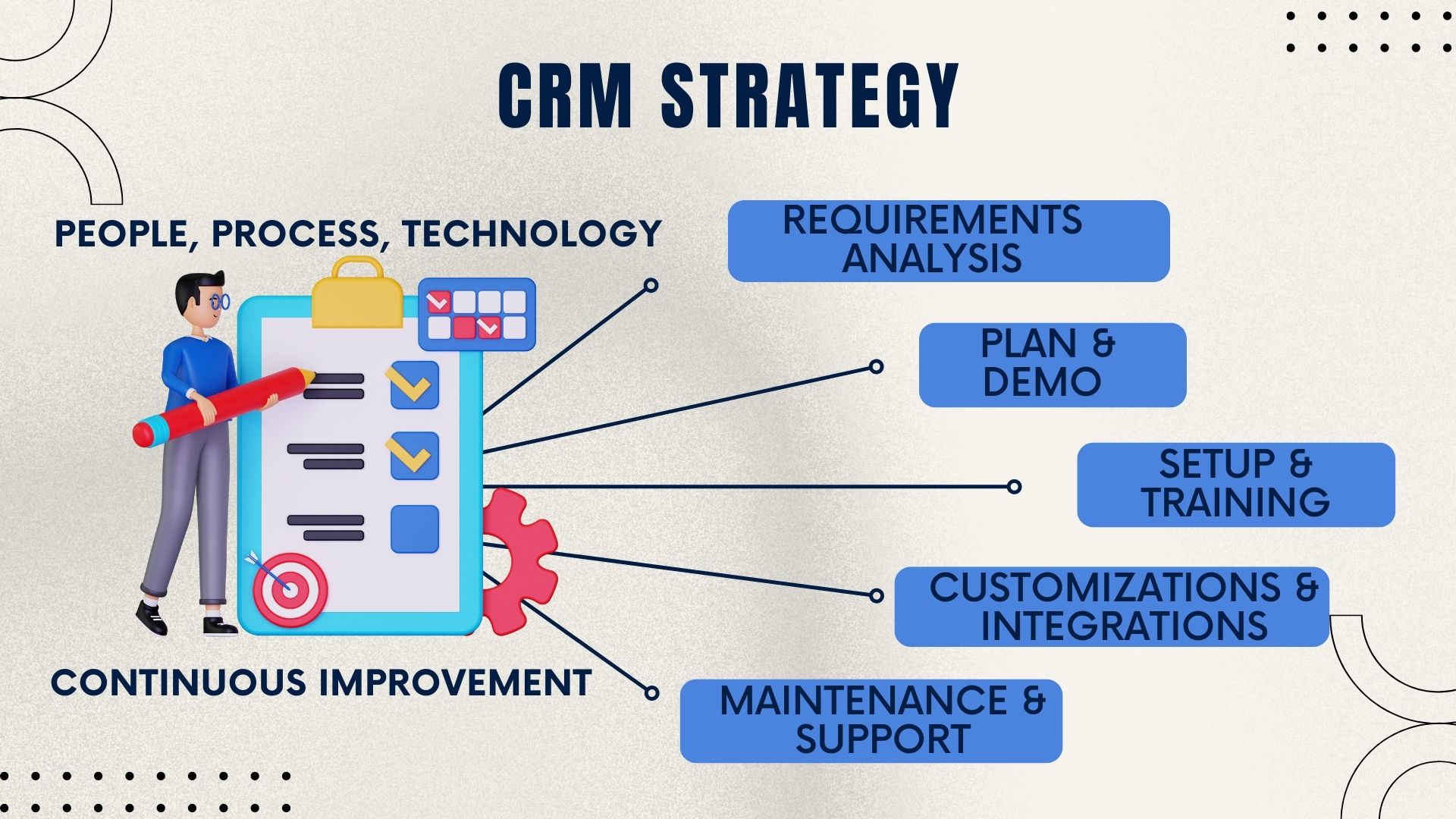
The Salesboom Cloud CRM for Google Apps connector makes it easy to manage all your contact data from a single, unified place. The Google Contacts Integration plug-in enables your sales, marketing, and support teams to synchronize their Google Contacts directly with Salesboom — one of the most robust cloud-based CRM platforms available.

Instead of maintaining duplicate records across Google and your CRM, this integration creates a seamless, two-way data bridge that keeps contact information consistent, current, and actionable for every team member.
Full Contact Details Synced
The Salesboom Google Contacts Integration delivers immediate, measurable benefits across every team that touches customer data — from day one of activation.
The integration delivers the highest impact for teams and businesses that already live inside Google Workspace and need their CRM contact data to be equally accessible and accurate.
Already using Google Workspace and want a powerful CRM without abandoning existing Google contact workflows — get enterprise CRM features without the enterprise complexity.
Manage prospects across Gmail and need those contacts automatically available inside their CRM pipeline — no manual imports, no switching between Google and the CRM to find contact details.
Need full contact context instantly when handling inbound inquiries — Google Contacts-sourced customers appear in Salesboom with their complete history the moment a ticket is created.
Build campaigns from contact lists and need clean, deduplicated data synced from Google — accurate lists mean better deliverability, better targeting, and better campaign ROI every time.
Rely on Google Workspace for collaboration and need CRM contact data equally accessible across all locations — the cloud-based sync ensures every team member has the same view regardless of where they work.
Adding team members regularly who arrive with existing Google Contacts — each new hire can connect instantly and contribute their contacts to the unified CRM database from day one without manual import work.
With 22+ years of CRM innovation since 2003, Salesboom brings enterprise-grade reliability to a Google Contacts integration that is simple enough for any team to use.
Salesboom was designed from the ground up as a cloud CRM, making integrations with Google's cloud ecosystem natural, stable, and fast — not an afterthought bolted onto a legacy system.
The Google Contacts Integration connects directly into Salesboom's full CRM — not a bolt-on feature — giving you contact sync plus sales, marketing, and support tools all working together in one place.
Three-step configuration means any team member can activate and manage the integration without developer assistance, IT involvement, or a support ticket to get started.
3,500+ businesses across 159 countries trust Salesboom to manage their CRM data, including Google ecosystem integrations — backed by 22+ years of continuous platform reliability and refinement.
No hidden fees for integrations — Google Contacts sync is included as part of the Salesboom platform with predictable monthly pricing starting at $14/user. No surprise add-on charges.
Real CRM specialists available 24/7 to help configure your Google integration, troubleshoot sync issues, and ensure your team gets maximum value from the connection between Google and Salesboom.
Everything your team needs to know about connecting Google Contacts to Salesboom CRM — from setup to sync behavior and beyond.
Master every module in Salesboom with our step-by-step tutorial library — from campaigns and accounts to tasks, reports, and events.

Learn how to create, launch, and track marketing campaigns inside Salesboom — tying every lead back to its source campaign for complete attribution and ROI visibility.

Master account management in Salesboom — from creating company records to linking contacts, cases, and opportunities in one unified customer view.

Discover how to log, track, and resolve customer support cases in Salesboom — linked directly to the synchronized contact records your Google integration keeps accurate.

Build accurate quarterly sales forecasts using Salesboom's pipeline data — with probability-weighted models and real-time dashboards by rep and territory.

Master lead capture, scoring, and conversion in Salesboom — and convert qualified leads from your synced Google contacts into accounts and opportunities in one step.

Learn how to build standard and custom CRM reports — including contact reports that reflect the latest data from your synchronized Google Contacts database.

Build and manage your CRM knowledge base with Solutions — capturing and reusing proven case resolutions to help your support team serve Google Contacts-sourced customers faster.

Create tasks and log calls directly on CRM records — keeping every team member's activities tracked against the synced contact records your Google integration keeps current.

Schedule and manage events in Salesboom — synced with your Google ecosystem and linked to the contact records your Google Contacts Integration keeps automatically updated.
Connect your Google Contacts to Salesboom in minutes and give every team instant access to accurate, unified contact data. Start your free trial or book a demo to see the integration in action.
Questions? Call: 1-855-229-2043
Discover powerful CRM editions to scale your business efficiently.
A complete CRM suite with Marketing Automation, ERP integration, and Support tools — built for performance and value.
Explore ProfessionalFor large enterprises — automate workflows, unify data, and leverage analytics to drive strategic growth.
View EnterprisePerfect for small teams starting with CRM — manage leads, track sales, and boost productivity with simplicity.
Discover Team